

If you’re asking this question, there’s a good chance your gut already knows the answer.
Most owners and office managers don’t wake up one morning excited to “do a QuickBooks cleanup.” They get there the hard way—after a weird bank balance, a CPA email that raises eyebrows, or that sinking feeling that the numbers might be wrong.
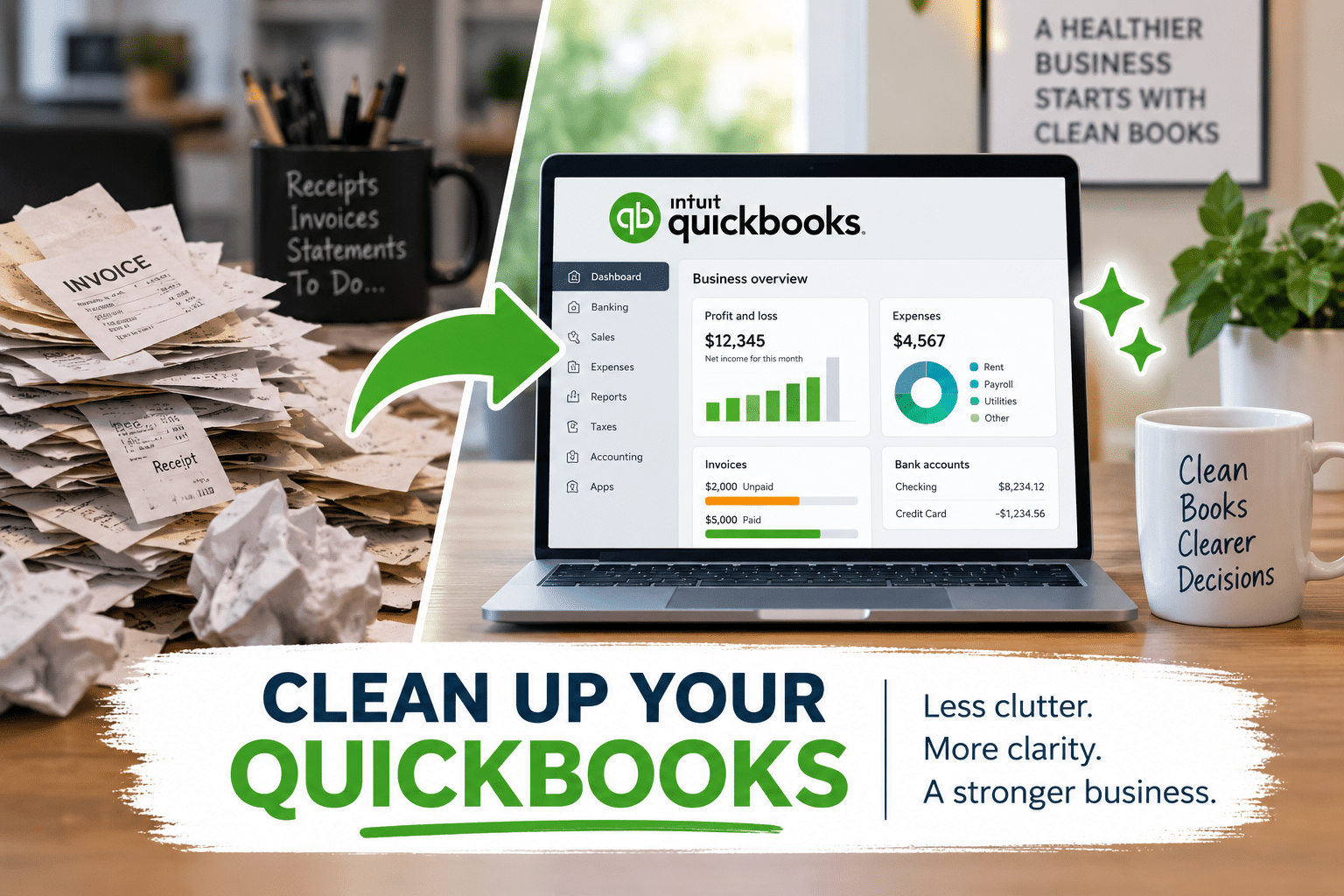
And here’s the thing: QuickBooks Online can look clean while the books are quietly falling apart underneath. The dashboard can be pretty. The reports can print. Payroll can run. But if the foundation isn’t solid, you end up making decisions off shaky information.
So let’s keep this plain-English and practical.
How do I know if I need a QuickBooks cleanup?
You usually need a cleanup when you can’t confidently answer basic questions from your books, like:
- How much cash do we really have right now?
- Are we actually profitable this month?
- Do these numbers match what the bank says?
- Can I hand this to my CPA without apologizing first?
A cleanup isn’t about perfection. It’s about getting your books back to “trustworthy.” Trustworthy enough to make decisions. Trustworthy enough to stop guessing.
If you want the quick version, Nectar Bridge offers a fast diagnostic called Check Your QuickBooks (a $495 deep-dive). You can see that here: Check Your QuickBooks.
Now, here are the warning signs.
What are the 11 warning signs your QuickBooks can’t be trusted?
1) Your bank balance doesn’t match QuickBooks (and you don’t know why)
This is the classic red flag.
If your checking account shows $42,000 at the bank but QuickBooks says $58,000 (or $31,000), that gap has a cause. Common culprits include:
- Unreconciled transactions
- Duplicate deposits or payments
- Transactions entered in QuickBooks but never cleared the bank
- Transfers recorded wrong (or twice)
- Old items sitting in Undeposited Funds
If it’s been more than a month or two—and especially if it’s been years—it’s time to stop trying random fixes and get it straight.
2) You haven’t reconciled accounts monthly (or you “reconcile” by forcing it)
Reconciling is not busywork. It’s how you prove the books match reality.
If reconciliation hasn’t happened consistently, your reports are basically “best guess accounting.”
If reconciliation has happened, but it was done by clicking through until the difference is $0 without understanding it, that’s another kind of risk. You can make a reconciliation “work” while still being wrong.
3) Your books only make sense at tax time
If the only time the numbers look believable is after your CPA cleans things up, you’re living in a dangerous rhythm:
- You’re blind most of the year
- You get one annual “truth drop”
- You spend the next 12 months guessing again
Nectar Bridge’s core promise is simple: your QuickBooks Online books should be accurate every month, not cleaned up once a year. A cleanup is often the first step toward that.
4) Payroll, owner draws, and reimbursements are a mess
Payroll and owner-related transactions are where things get sloppy fast.
Warning signs include:
- Owner draws recorded as “Payroll Expense”
- Payroll liabilities not matching what you owe
- Reimbursements dumped into Uncategorized Expense
- Personal spending mixed into business categories without a clean process
The result isn’t just “messy bookkeeping.” It can distort your profit, your tax picture, and your cash planning.
5) Large balances are sitting in “Ask My Accountant” or Uncategorized accounts
A little Uncategorized Expense during the month is normal—as long as it gets cleaned up quickly.
But if you have months (or years) of Uncategorized transactions, your financial statements are lying to you in a very polite way.
A cleanup typically includes:
- Categorizing transactions correctly
- Creating consistent rules for going forward
- Fixing mis-posted items that distort reports
If you’re currently paying for bookkeeping but still see big Uncategorized balances, it’s time to take a closer look.
6) Accounts Receivable (A/R) looks wrong, and your aging report is embarrassing
If QuickBooks says customers owe you money but you’re not sure it’s true, you can’t manage collections.
Common A/R messes look like:
- Payments recorded but not applied to invoices
- Invoices duplicated
- Old invoices never closed out
- Credits sitting there with no match to anything
When A/R is wrong, cash flow forecasting becomes guesswork. You might feel “busy,” but the money isn’t landing where it should.
7) Undeposited Funds has a mysterious balance
Undeposited Funds is one of the most common “quiet chaos” spots in QuickBooks.
If you’re using QuickBooks Payments, taking checks, running a field-service app, or batching deposits, Undeposited Funds might be normal.
But if you open that account and see:
- Old deposits from two years ago
- Amounts that don’t match any real bank deposit
- Dozens (or hundreds) of items sitting there
…you’re almost certainly looking at a workflow or integration issue.
8) Inventory, job costing, or projects are clearly off (especially for trades and construction)
If you’re in the trades, home services, or construction, a “basic” bookkeeping setup can break the moment you start needing:
- Job costing
- Work-in-progress thinking
- Cost of goods sold (COGS) tied to the right job
- Cleaner tracking of labor vs materials
When those are wrong, you can be “profitable” on paper while losing money on actual jobs. A cleanup can help reset the structure so your reporting matches how you run the business.
9) Your Chart of Accounts has turned into a junk drawer
If your Chart of Accounts has:
- 6 different versions of “Repairs”
- Old accounts you don’t use but still post to
- Random “Other Misc” buckets
- Duplicate income categories
…then your reports may be technically “accurate” but practically useless.
A cleanup often includes simplifying the Chart of Accounts, not making it more complicated. The goal is clarity.
If you want a simple example of how Nectar Bridge thinks about bottlenecks and back-office chaos, this short post is a good read: Three Problems Small Businesses Face.
10) Your CPA (or banker) keeps asking questions you can’t answer
This one shows up as friction:
- “Why is this account negative?”
- “What’s in this other asset?”
- “Why are loan payments posted as expenses?”
- “Where did this number come from?”
If every close or tax season becomes a detective story, that’s a sign the bookkeeping system isn’t working.
And if you’re trying to get a loan, inaccurate books can slow everything down. Bankers want clean, consistent financials—period.
11) Software integrations are breaking things behind the scenes
This is a big one for growing service businesses.
QuickBooks is rarely your only system anymore. You might also be using Jobber, FieldPulse, Housecall Pro, or another CRM/field service platform.
When integrations are set up wrong (or changed without anyone noticing), you get:
- Duplicate income
- Missing deposits
- Weird clearing accounts
- Payments that don’t match invoices
- Transactions that look correct in the app but not in QuickBooks
Nectar Bridge sits in the “messy middle” where accounting and operations meet, and this is exactly the kind of problem that creates distrust fast.
If you’re using Jobber and QuickBooks Online together, this post may help you understand how the sync behaves: What HVAC software is compatible with QuickBooks?.
Why doesn’t my bank balance match QuickBooks?
In plain terms, it usually comes down to one of four things:
- Transactions are missing in QuickBooks (never entered or never synced)
- Transactions are duplicated in QuickBooks (double entries, sync duplicates, manual + imported)
- Transactions are in QuickBooks but not in the bank (voided checks, failed payments, timing issues)
- Reconciliation isn’t being done correctly (or at all)
The fix depends on which one you’re dealing with. That’s why a cleanup typically starts with a diagnostic pass—so you’re not guessing.
What does a QuickBooks cleanup usually include?
Every file is different, but most cleanups include some combination of:
- Reconciliation fixes (bank, credit cards, loan accounts)
- Categorization cleanup (income and expense coding that makes reports believable)
- A/R and A/P cleanup (open invoices and bills that shouldn’t be open)
- Undeposited Funds cleanup (and fixing the workflow that created it)
- Chart of Accounts cleanup (simplify, merge duplicates, remove junk)
- Integration review (especially if Jobber or another platform is involved)
- Guardrails for going forward (so it doesn’t slide back into chaos)
If you’re also trying to train a team member to do the day-to-day right, Nectar Bridge offers hands-on training as well: QuickBooks Training on YOUR company data.
Should you do a cleanup, or should you start over with a new QuickBooks file?
Sometimes “starting fresh” sounds appealing.
But starting over can create its own problems:
- Loss of historical reporting
- Broken links to payroll, sales tax, apps, and bank feeds
- Messy transition period where nobody knows what’s “real”
A cleanup is often the better option when the core structure is fixable—and most of the time, it is.
If you’re unsure, that’s exactly where a diagnostic review helps. You don’t want to pay for a full cleanup if a smaller correction gets you 80% of the benefit.
What should you do next if you suspect your QuickBooks needs a cleanup?
Here’s the practical next step:
- Stop making “random fixes” (those often make things worse)
- Get a clear list of what’s broken (reconciliation, A/R, categorization, integrations, etc.)
- Decide the smallest project that restores trust (not necessarily the biggest)
If you want a straightforward gut-check, start with Nectar Bridge’s diagnostic: Check Your QuickBooks.
You’ll come away knowing:
- What’s wrong
- What it will take to fix it
- What you can safely ignore (for now)
- What needs attention immediately
That’s how you get back in control.